04 / How it works
From repository to managed hosting.
- 01
Choose your plan
Select the managed hosting package appropriate for your application.
- 02
Connect your project
Sign in and connect a supported GitHub repository.
- 03
Configure and deploy
Safe Haven guides the deployment process and identifies any application-specific configuration requirements.
- 04
Keep your application managed
Access your dashboard and receive the hosting-related maintenance and support included in your plan.
External databases, secrets, payment providers and other third-party services may need additional configuration. Compatibility is reviewed, not assumed.
03 / Inside Safe Haven
See where your applications live.
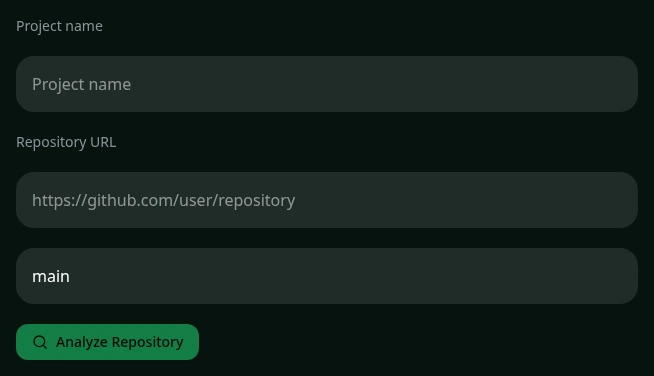
Your project. One place.
A clear view of the next step.
Connect a repository, review application-specific requirements and follow your deployment from your account.
- Connected GitHub repositories
- Application status and deployment history
- Project management and available redeploy actions
- Billing and account management
A home for what comes next
Your application is built.
Let's give it a home.
Move from building software to running a business with managed hosting designed for AI-built applications.